
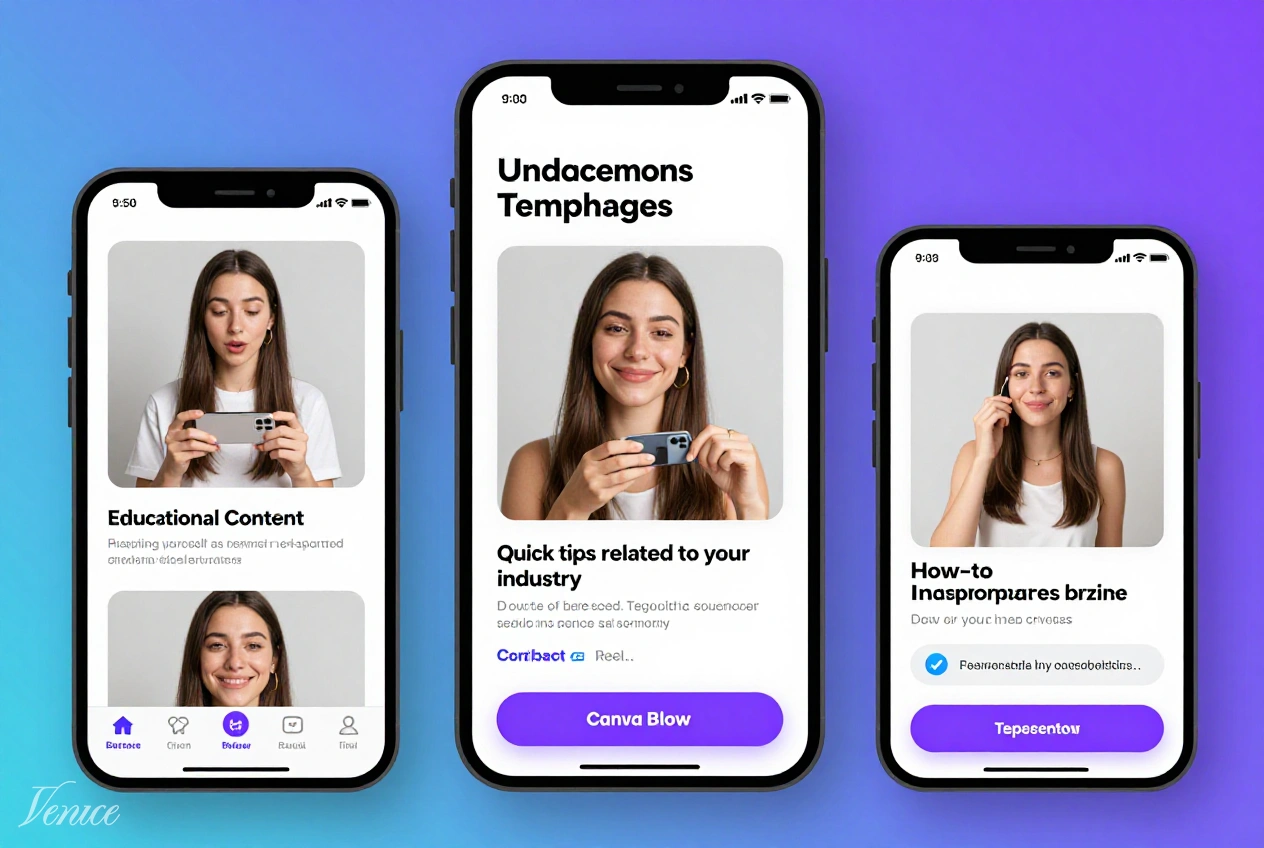
Instagram Reels have become an essential tool for small business owners looking to expand their reach and engage with audiences in a dynamic format. With the right approach, these short-form videos can generate significant organic traffic, boost brand visibility, and drive conversions—all without requiring a substantial marketing budget. Our comprehensive guide reveals how to leverage Canva templates to create compelling Reels that resonate with your target audience and have viral potential.
The beauty of using Canva for Instagram Reels lies in its accessibility and professional-quality output. Even without prior video editing experience, small business owners can produce polished content that competes with larger brands. This guide will walk you through the entire process, from understanding what makes Reels go viral to implementing a content strategy that aligns with your business goals and resources.
Table of Contents
Requirements
Before creating viral Instagram Reels with Canva, ensure you have:
- Canva Pro account (recommended for access to premium templates and features)
- Business Instagram account with access to Insights
- Basic understanding of your target audience and brand voice
- Smartphone with decent camera quality for filming original footage
- Time commitment for consistent content creation (minimum 2-3 Reels per week)
Core Strategies
Trend-Jacking with Business Twist
Leveraging existing trends while adding your unique business perspective is the fastest path to viral content. Monitor trending audio, formats, and challenges within your industry, then adapt them to showcase your products, services, or expertise. This approach combines the discoverability of trends with the authenticity of your brand voice.
Canva’s extensive template library makes it easy to quickly adapt trending formats to your brand aesthetic. Focus on trends that align with your business values and allow you to provide value to your audience rather than simply participating for visibility.
Educational Value-Driven Content
Content that teaches viewers something valuable has high shareability and positions your business as an authority in your field. Create Reels that solve common problems, share industry insights, or provide quick tips related to your products or services. Educational content builds trust and encourages viewers to save and revisit your content.
Use Canva’s text and graphic elements to highlight key takeaways in your educational Reels. The platform’s animation features can help emphasize important points and maintain viewer engagement throughout the video.
Behind-the-Scenes Authenticity
Audiences connect with authentic content that reveals the human side of your business. Share behind-the-scenes glimpses of your process, team, or daily operations. This type of content builds emotional connections and differentiates your brand from competitors who maintain a more polished presence.
Canva templates can help maintain brand consistency even with informal content. Use your brand colors and fonts in behind-the-scenes Reels to reinforce your identity while showcasing authenticity.
Product Demonstrations in Context
Showcasing your products or services in real-world applications helps potential customers visualize their benefits. Create Reels that demonstrate how your offerings solve problems or enhance lives. Focus on transformation rather than features—show the “before” and “after” to highlight value.
Canva’s video editing capabilities allow you to combine product footage with text overlays and graphics that emphasize key benefits. Use before/after templates to create compelling visual narratives that drive interest in your offerings.
User-Generated Content Curation
Reposting customer content not only provides social proof but also encourages more users to share their experiences with your brand. Create Reels that showcase customer testimonials, unboxing experiences, or creative uses of your products. Always obtain permission and credit the original creator.
Canva’s collage and compilation templates make it easy to combine multiple user-generated clips into a cohesive Reel. Add branded elements to maintain consistency while celebrating your community.
Step-by-Step Guide
Step 1: Research and Planning
Begin by researching successful Reels in your industry and identifying patterns in viral content. Note common formats, audio choices, and storytelling techniques. Create a content calendar that balances promotional, educational, and entertaining content to maintain audience interest.
Develop a clear understanding of your brand voice and visual identity before creating content. This consistency will make your Reels instantly recognizable and strengthen brand recall among viewers.
Step 2: Template Selection and Customization
Browse Canva’s extensive Reels template library and select designs that align with your brand aesthetic and content goals. Customize templates by adjusting colors, fonts, and graphics to match your brand guidelines. Focus on templates that emphasize readability and visual hierarchy.
Save customized templates as your own designs to maintain consistency across future Reels. Create a template library with different styles for various content types while ensuring all designs remain distinctly on-brand.
Step 3: Content Creation and Assembly
Film or source all necessary footage for your Reel, ensuring high quality and good lighting. Upload your clips to Canva and arrange them according to your selected template. Trim footage to maintain a fast pace that keeps viewers engaged throughout the video.
Add text overlays to highlight key messages and ensure your content is accessible to viewers watching without sound. Use Canva’s animation features to create dynamic text that draws attention to important information.
Step 4: Audio Enhancement and Final Touches
Select appropriate audio for your Reel, prioritizing trending sounds when they align with your content. Adjust volume levels to ensure any spoken content remains audible over background music. Add transitions between clips to create a seamless viewing experience.
Review your completed Reel carefully, checking for typos, timing issues, and visual consistency. Ensure your branding elements are present but not overwhelming—viewers should focus on your content rather than promotional elements.
Step 5: Publication and Promotion
Download your completed Reel from Canva in the highest quality available. Craft a compelling caption that encourages engagement and includes relevant hashtags. Publish at optimal times for your audience based on Instagram Insights data.
Share your Reel to other platforms and encourage your team to engage with the content. Monitor performance metrics and analyze which elements resonate with your audience to inform future content creation.
Template Selection
| Template Type | Best For | Customization Level | Viral Potential |
|---|---|---|---|
| Trend-Jacking | Rapid response to viral formats | Medium | High |
| Educational | How-to content and tips | High | Medium-High |
| Product Showcase | Feature demonstrations | High | Medium |
| Behind-the-Scenes | Authentic brand storytelling | Medium | Medium |
| Testimonial | Social proof and reviews | Low-Medium | Medium |
Advanced Tips
Elevate your Instagram Reels with these expert techniques:
- Use Canva’s brand kit feature to maintain consistency across all content
- Create template variations for different content pillars while maintaining visual cohesion
- Experiment with different video lengths, focusing on 15-30 seconds for maximum engagement
- Include a clear call-to-action in every Reel to guide viewer behavior
- Batch create content using templates to maintain consistency while saving time
- Analyze successful Reels in your niche and identify common elements to incorporate
- Use Canva’s scheduling features to plan content in advance and maintain posting consistency
For small business owners looking to expand their marketing budget options, consider exploring resources like buy high balance cards from reputable sources. These can provide additional flexibility in funding your marketing initiatives.
Frequently Asked Questions
While Canva Free offers basic video creation capabilities, Canva Pro provides significant advantages for serious content creators. The premium version offers access to more templates, advanced features like background remover, brand kit functionality, and higher export quality. For consistent, professional results, the Pro subscription is recommended for small business owners.
Consistency is more important than frequency when it comes to Instagram Reels. Aim for 2-3 high-quality Reels per week rather than daily posting that sacrifices quality. Monitor your Instagram Insights to identify when your audience is most active and schedule posts accordingly. The key is maintaining a consistent presence that keeps your brand visible without overwhelming your followers.
Trending audio typically provides better discoverability as Instagram’s algorithm prioritizes content using popular sounds. However, the audio should always align with your brand and content message. When possible, adapt trending audio to your business context rather than forcing your content to fit unrelated trends. Balance trending sounds with brand-appropriate choices to maintain authenticity while maximizing reach.
While Instagram allows Reels up to 90 seconds, the sweet spot for engagement remains 15-30 seconds. Shorter Reels typically maintain viewer attention better and have higher completion rates. Focus on delivering value quickly within this timeframe, using text overlays to convey additional information when needed. If longer content is necessary, consider creating a series rather than one extended Reel.
Focus on showing products in real-world contexts and solving problems rather than just listing features. Use before/after formats, customer testimonials, and behind-the-scenes content to demonstrate value naturally. Incorporate educational elements that provide value beyond just promoting your products. The key is prioritizing helpful content over hard selling while still showcasing your offerings.
Canva templates provide an excellent foundation for consistent branding and efficient content creation, but don’t feel constrained to use them exclusively. Mix templated content with original footage to maintain variety and authenticity. Use templates for educational content and brand announcements while incorporating more organic elements for behind-the-scenes content. This balanced approach maximizes efficiency while preserving authenticity.
Conclusion
Creating viral Instagram Reels using Canva templates is an accessible and effective strategy for small business owners looking to expand their reach and engagement. By combining trending formats with valuable content and consistent branding, you can develop a Reels strategy that drives meaningful results for your business without requiring extensive resources or technical expertise.
Remember that virality is rarely accidental—it results from strategic planning, consistent execution, and responsive adaptation based on performance metrics. Focus on providing value to your audience first, with promotional benefits following naturally. As you refine your approach and build your content library, you’ll develop an intuitive understanding of what resonates with your audience and how to leverage Instagram Reels most effectively for your business.
Implement these strategies today to begin transforming your Instagram presence and reaching new audiences through the power of short-form video content. With consistency and strategic thinking, your Reels can become a powerful driver of brand awareness, customer engagement, and business growth.