
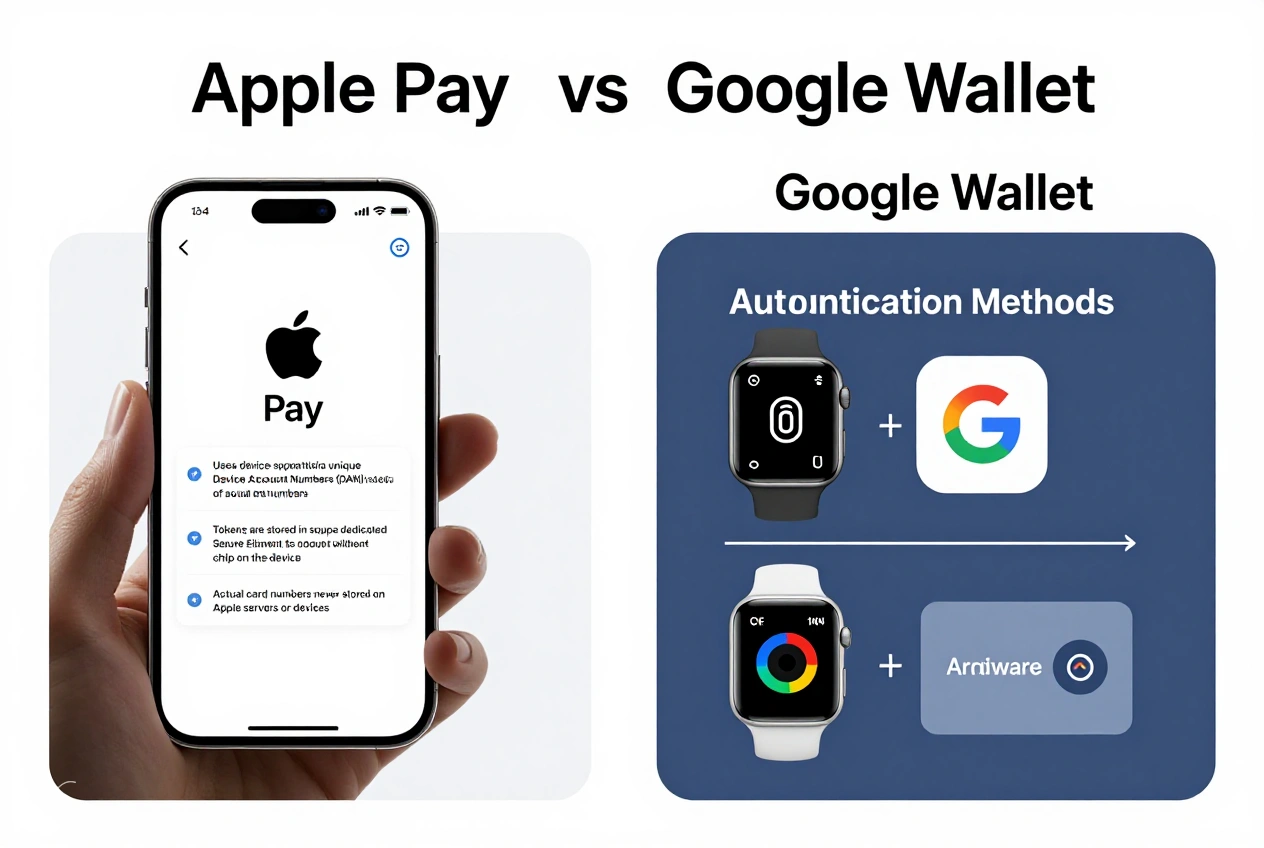
As mobile payments become increasingly popular, security remains a top concern for users choosing between NFC payment systems. Apple Pay and Google Wallet (formerly Google Pay) are the two dominant players in the mobile payment space, each offering distinct security approaches to protect your financial information. This detailed comparison examines the security features of both platforms to help you determine which offers better protection for your transactions.
Both Apple Pay and Google Wallet use advanced security technologies to safeguard your payment information, but they differ in implementation and additional protective measures. Understanding these differences is crucial for making an informed decision about which mobile payment system best meets your security needs. We’ll analyze their encryption methods, authentication requirements, privacy protections, and response to potential security threats.
Table of Contents
Security Requirements
- Compatible device with NFC capability
- Secure screen lock (PIN, pattern, password, or biometric)
- Payment cards from participating banks
- Internet connection for initial setup and verification
- Updated device software for latest security patches
Security Feature Comparison
Encryption and Tokenization
Both Apple Pay and Google Wallet employ tokenization technology to protect your payment information during transactions. When you add a card to either service, your actual card number is never stored on your device or shared with merchants. Instead, a unique Device Account Number is generated, encrypted, and stored in a secure element on your device.
Apple Pay uses a dedicated Secure Enclave on iOS devices to store payment information and process fingerprint authentication. This hardware-based security is isolated from the main operating system, providing an additional layer of protection. Google Wallet similarly uses a hardware security element on Android devices, though the implementation varies by manufacturer and device capabilities.
Authentication Methods
Authentication is a critical security component for both platforms. Apple Pay requires authentication for every purchase using Face ID, Touch ID, or your device passcode. This multi-factor approach ensures that even if someone has physical access to your device, they cannot make payments without your biometric or passcode verification.
Google Wallet also requires authentication, but the implementation varies by device. Most Android devices use fingerprint, face unlock, or PIN/password authentication. However, some older or budget Android devices may lack advanced biometric security, potentially making Google Wallet slightly less secure on these devices compared to Apple Pay’s uniform security requirements across all compatible Apple devices.
Transaction Security
During transactions, both systems generate dynamic security codes that are specific to each purchase. These one-time codes prevent transaction replay attacks and ensure that even if a transaction code were intercepted, it couldn’t be used for additional purchases.
Apple Pay transactions are further protected by the Secure Enclave, which processes the transaction without exposing sensitive data to the main operating system. Google Wallet uses similar transaction-specific security codes, but the level of hardware isolation varies by Android device manufacturer.
Privacy and Data Protection
Apple emphasizes privacy as a key differentiator, with Apple Pay designed to minimize data collection. Apple doesn’t track your purchases or share transaction information with third parties for marketing purposes. Transaction data is encrypted and anonymized, with Apple unable to see what you’re buying or where you’re shopping.
Google Wallet, while secure, operates within Google’s broader ecosystem that does collect and analyze user data for various purposes. Google states that payment transactions are not used for advertising purposes, but the company does collect some usage data to improve its services. Users who prioritize privacy may prefer Apple Pay’s more restrictive data collection policies.
Remote Management and Lost Device Protection
Both platforms offer robust remote management features if your device is lost or stolen. Apple allows you to suspend or remove cards from Apple Pay using iCloud’s Find My feature. You can also remotely erase your entire device, which automatically removes all payment information.
Google Wallet integrates with Android’s Find My Device feature, allowing you to locate, lock, or erase your device remotely. You can also remove payment methods from your Google Account online. Both systems effectively prevent unauthorized use if your device is lost, though Apple’s more integrated hardware and software ecosystem may provide a slightly more seamless remote management experience.
Fraud Detection and Response
Both Apple Pay and Google Wallet incorporate sophisticated fraud detection systems that monitor for unusual transaction patterns. If suspicious activity is detected, transactions may be blocked and you may be notified to verify your identity.
Apple’s fraud detection operates within its broader ecosystem, leveraging data from various Apple services to identify potential threats. Google’s fraud detection benefits from the company’s extensive experience with online payments through Google Pay and other financial services. Both platforms have dedicated teams that respond to security threats and release regular security updates.
Security Best Practices
Regardless of which platform you choose, follow these security practices to maximize protection:
- Always use a strong screen lock with biometric authentication when available
- Keep your device’s operating system updated to ensure you have the latest security patches
- Regularly review your transaction history for any unauthorized charges
- Enable notifications for all payment transactions to quickly detect suspicious activity
- Set up remote device management features before you need them
For additional security, consider using virtual card numbers when available through your bank. These temporary card numbers can be added to your mobile wallet and easily disabled if compromised. Also, be cautious about which apps you install on your device, as malicious apps could potentially intercept payment information despite the security measures built into Apple Pay and Google Wallet.
Finally, remember that mobile payment security is a shared responsibility. While both Apple and Google implement robust security measures, user awareness and proper device management play crucial roles in maintaining the overall security of your payment information.
Frequently Asked Questions
Both Apple Pay and Google Wallet offer strong protection against physical theft through authentication requirements. However, Apple Pay may have a slight edge due to its more uniform hardware security across all devices. The Secure Enclave in Apple devices provides hardware-based isolation of payment data that is consistent across all compatible Apple products, while Android devices vary in their hardware security implementation depending on manufacturer and model.
Both systems use tokenization and secure elements to protect your payment information even if your device is compromised. Your actual card numbers are never stored on the device in a way that could be accessed by malware. However, a sophisticated hack could potentially intercept transaction data in real-time. The risk is minimal with both platforms, but Apple’s more controlled ecosystem may offer slightly better protection against certain types of malware attacks.
Apple Pay generally offers stronger privacy protection due to Apple’s more restrictive data collection policies. Apple explicitly states that it doesn’t track your purchases or share transaction information with third parties for marketing purposes. Google Wallet operates within Google’s broader ecosystem that does collect more user data, though Google states that payment transactions are not used for advertising. If privacy is your primary concern, Apple Pay may be the better choice.
Both systems offer enhanced security for online payments compared to entering card details directly. Apple Pay’s integration with Safari and other apps provides a seamless and secure checkout experience. Google Wallet similarly integrates with Chrome and Android apps. The security differences are minimal for online payments, but Apple’s stricter app store policies may provide slightly better protection against malicious apps that could attempt to intercept payment information.
Both Apple and Google regularly release security updates to address potential vulnerabilities. Apple’s more controlled ecosystem allows for faster and more uniform deployment of security updates across all devices. Google’s security updates for Android can vary by manufacturer and carrier, potentially leaving some devices vulnerable for longer periods. For the most timely security updates, Apple Pay may have a slight advantage due to Apple’s direct control over both hardware and software updates.
Both Apple Pay and Google Wallet have sophisticated fraud detection systems and are generally very effective at preventing payment fraud. The tokenization technology used by both platforms makes it extremely difficult for criminals to use stolen payment information. Apple’s more uniform hardware security across devices may provide a slight advantage, but the difference in fraud prevention between the two systems is minimal for most users. The most important factor in preventing fraud is user awareness and prompt reporting of suspicious activity.
Conclusion
Both Apple Pay and Google Wallet offer robust security features that make them significantly safer than physical cards or traditional online payment methods. Each platform uses tokenization, dynamic security codes, and strong authentication to protect your payment information during transactions.
Apple Pay may have a slight edge in security due to its more uniform hardware security across all devices, stronger privacy protections, and more timely security updates. The Secure Enclave in Apple devices provides hardware-based isolation of payment data that is consistent across all compatible Apple products.
Google Wallet offers comparable security features, though the level of protection can vary depending on the specific Android device manufacturer and model. Google’s extensive experience with online payments and fraud detection provides strong protection against most security threats.
Ultimately, both platforms provide excellent security for mobile payments, and the choice between them may come down to device preference, ecosystem considerations, and privacy concerns. Regardless of which system you choose, following security best practices and maintaining awareness of potential threats will help ensure your mobile payment transactions remain secure.